


Choose your interface language
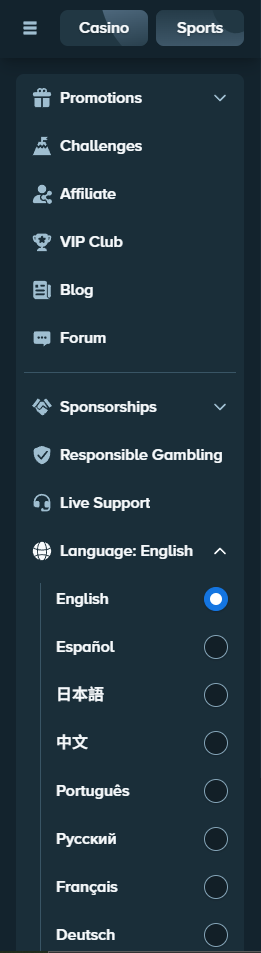
Open the sidebar, scroll down to Language and choose English. On mobile, open the main menu first. Reload the page if a screen still shows the previous language.
Choose your balance display currency
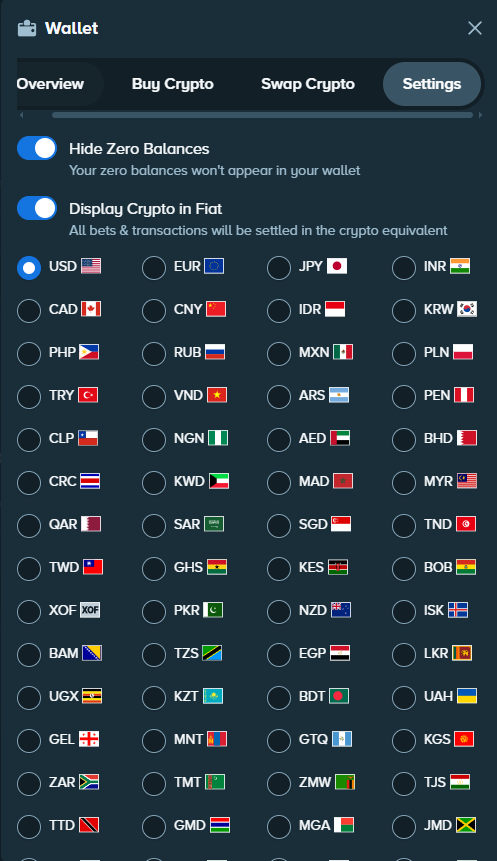
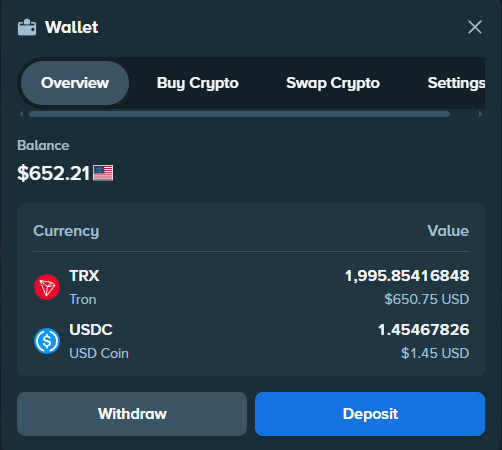
In Wallet → Settings, enable Display Crypto in Fiat, then choose your display currency, such as EUR or USD. This changes the display, not your assets: the crypto amount stays the same while its displayed equivalent moves with the exchange rate.
Use the Vault
The Vault separates funds from the balance immediately available to play. Open Account → Vault, choose the currency and amount, then transfer. Make the reverse transfer to return funds to your playable balance. The Vault uses your account protections, including password, email and 2FA.
Find rakeback and VIP progress
Open VIP → Rakeback to see and claim accumulated rakeback, available from Bronze. It is calculated from bets and the games’ theoretical house edge and is separate from Weekly and Monthly bonuses in the VIP programme.
Your VIP area also shows your rank and progress bar. Progress follows qualifying wager—the amount bet—not deposits. Enter your rank and percentage in the VIP calculator to estimate the wager remaining to the next rank and see the rank chart.
Protect your account
Confirm your email, enable 2FA in security settings, use a password reserved for Stake and keep login codes private.
The Wallet also contains your deposit and withdrawal history. For transfers, see the deposit guide and withdrawal guide.